
How a street becomes a neighborhood.
Your community signs up, every home receives its own join code, and residents start connecting with the neighbors around them. Here's how it works, step by step.
It starts with the board.
An HOA board or community leader books a demo, and we set up a private OneBlock just for your community. Nobody outside can see it or join it without a join code.
Your community signs up once, for everyone, and residents join free.
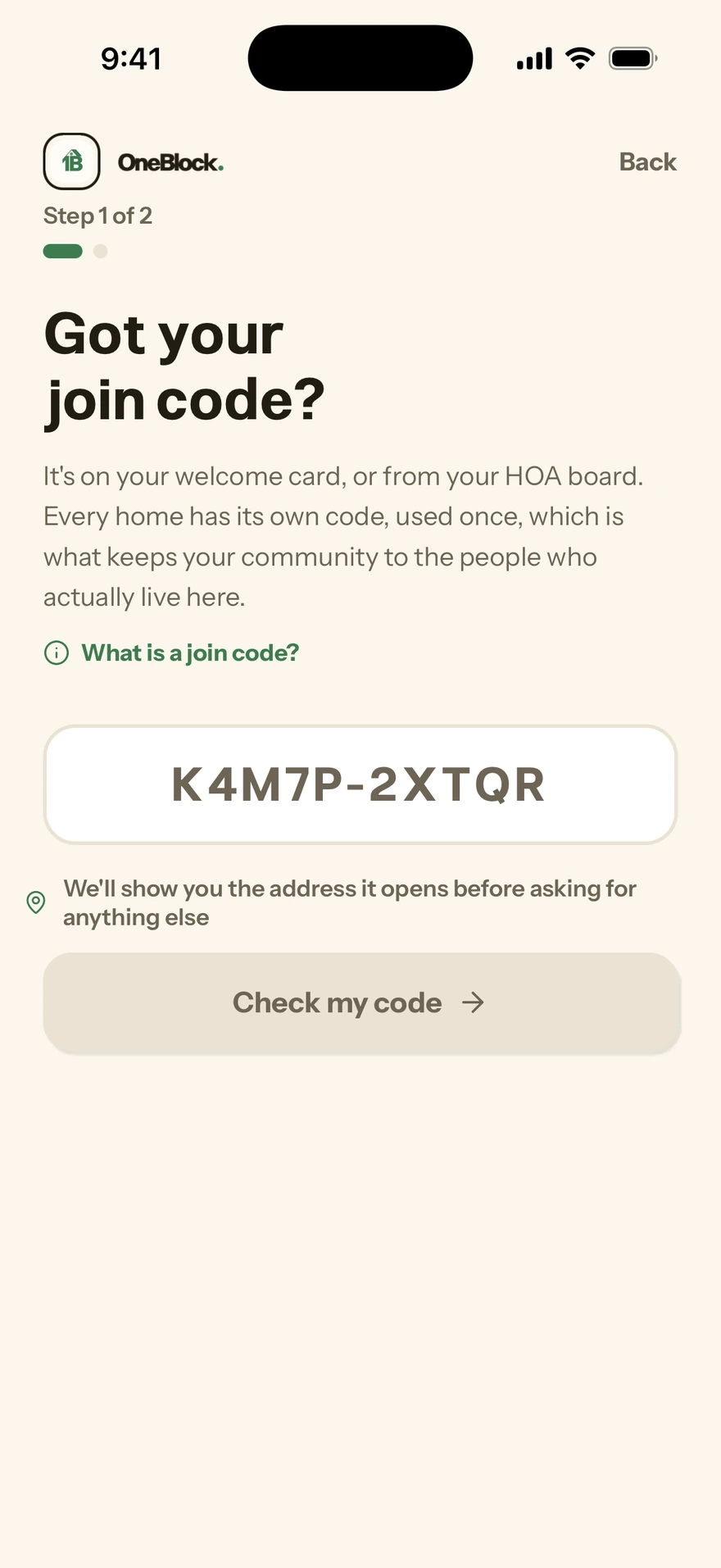
Every home gets its own key.
Each address in your community gets a join code of its own. It works once, for that home only, and that one rule is why everyone you meet in the app really does live nearby.
Before asking for anything else, OneBlock shows you the address your code opens, so neighbors always know which house is yours.
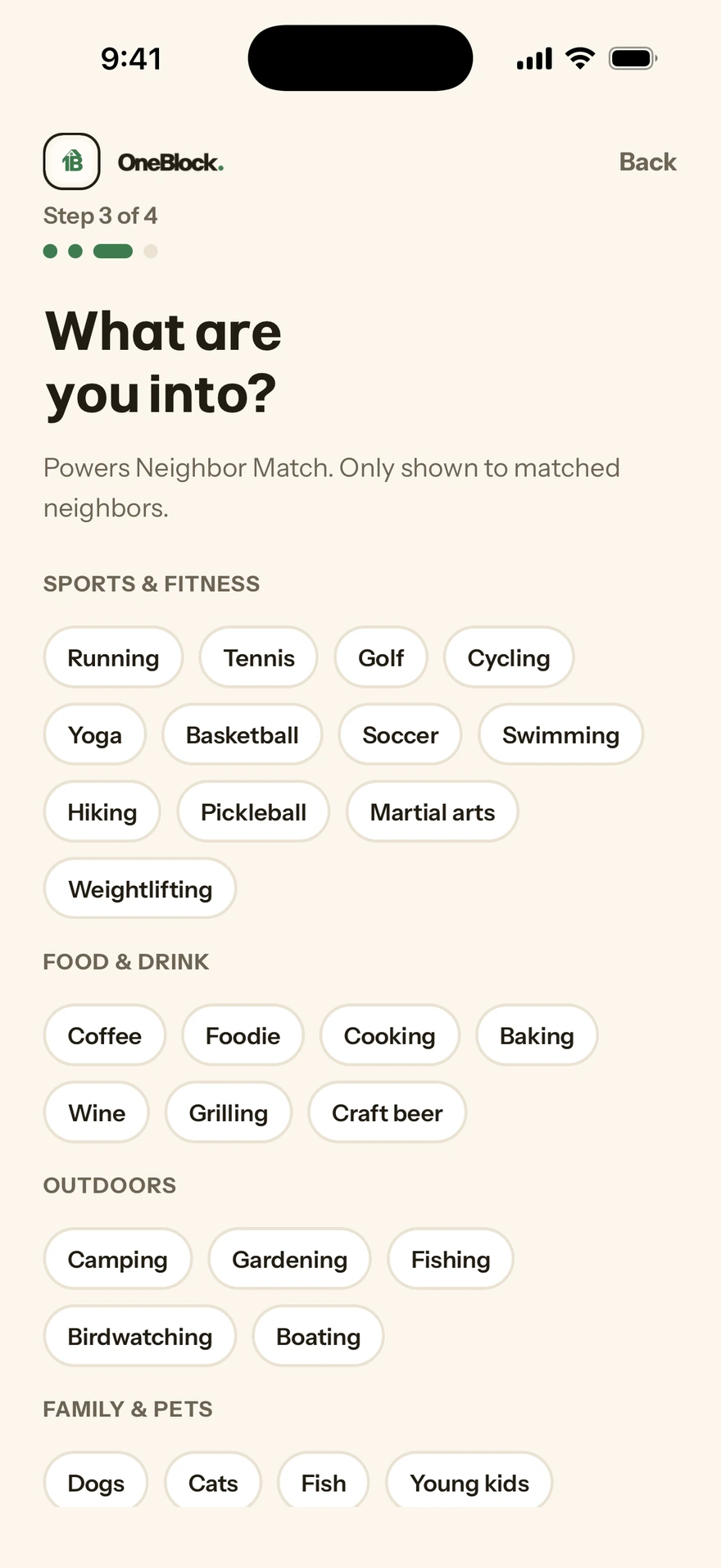
Say a little about yourself.
Add what you do, a short bio, and the things you're into. Your interests help OneBlock introduce you to the neighbors you have the most in common with.
Prefer to keep a low profile? Turn on a private profile and neighbors see only your name, on the things you post.
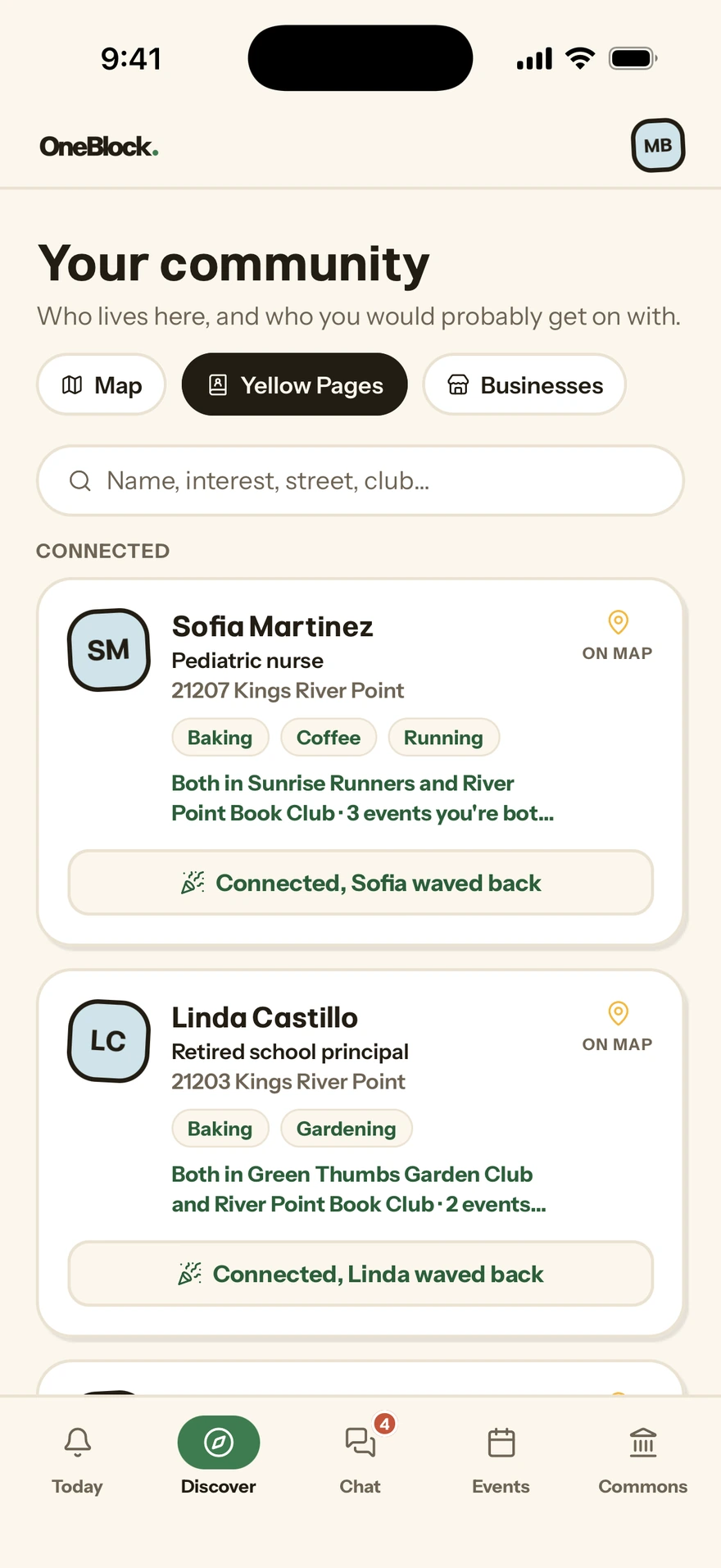
Meet the neighbors you'd click with.
The Yellow Pages lists everyone in your community, and Neighbor Match puts the people you share the most with first: interests, clubs and events you've both been to.
When someone catches your eye, give them a wave. Wave back and you're connected, with nothing to accept and nothing awkward to decline.
Then the neighborhood comes to life.
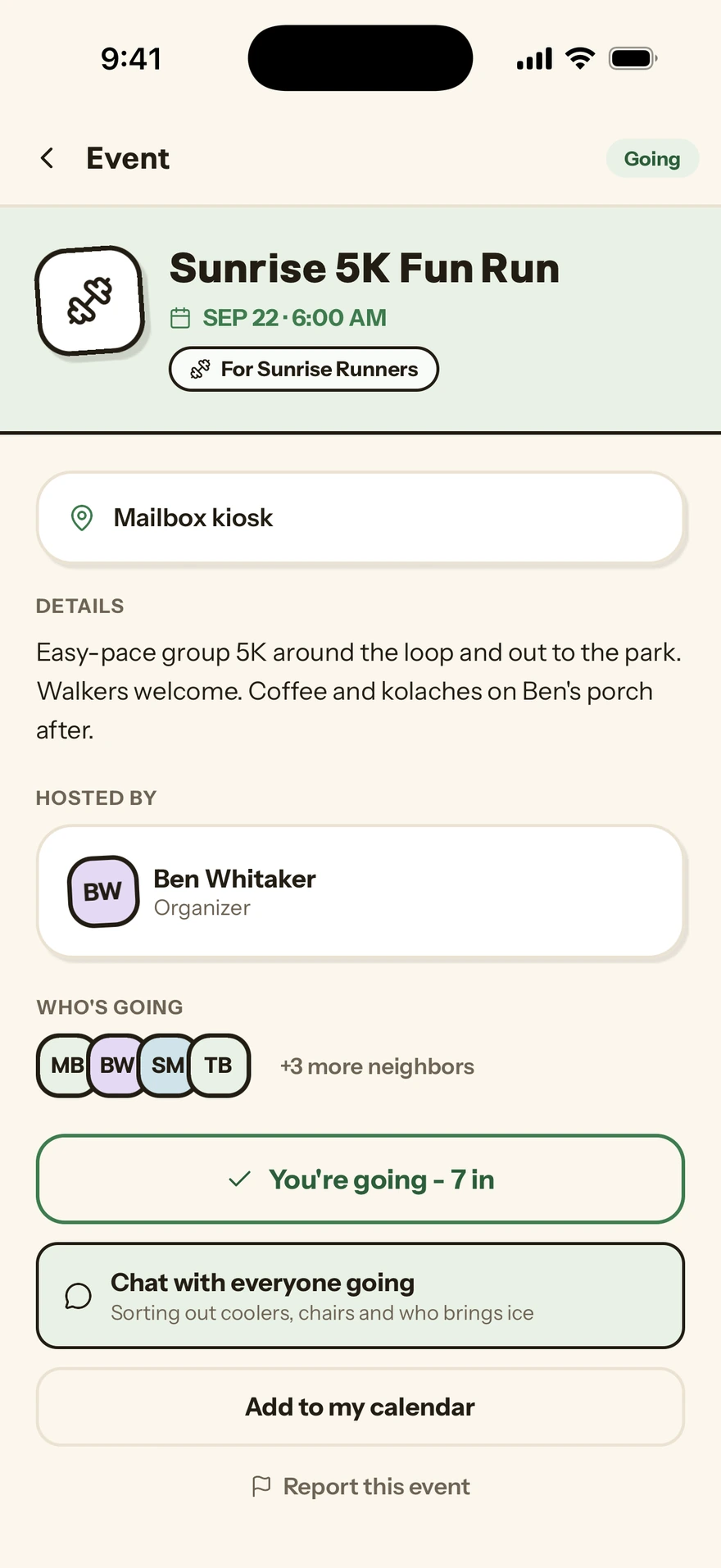
The best of OneBlock happens offline: community events, clubs that meet every week, and neighbors helping neighbors.
Every event comes with its own group chat, so plans come together in one place.
See OneBlock on your street.
Book a demo and we'll walk your board through the app, answer every question, and set your community up with a join code for every home. Residents always join free.
Already have a join code?
Your community is on OneBlock. Download the app and join your neighbors in about five minutes.